New book release: Design an RP2040 board with KiCad
As affordable as Raspberry Pi Pico is, there are plenty of reasons to want to make your own board based on the chip that powers it, RP2040. We’re releasing a new book today that helps you do just that: Design an RP2040 board with KiCad (by Jo Hinchliffe and Ben Everard). KiCad is an amazing piece of free and open-source software that allows anyone, with some time and effort, to make high-quality PCB designs. Couple this amazing software with numerous PCB fabrication companies and even PCBA services (companies that will make and assemble your PCB designs), and you can go from idea to finished board more quickly than ever.
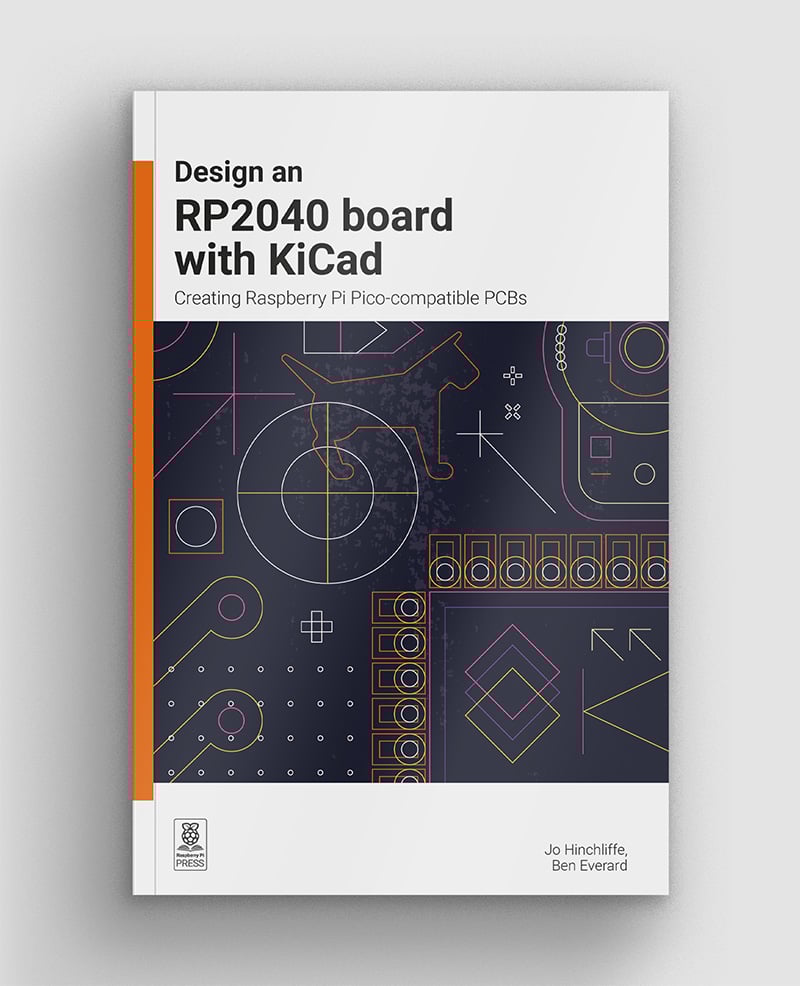
This book provides a gentle introduction to PCB design using the RP2040 microcontroller chip (the same chip that’s at the heart of Raspberry Pi Pico). You’ll learn the basics of creating schematics and PCB designs in KiCad and learn how to work with component footprints that you create yourself (or get from another source). You’ll find out how to get a PCB design manufactured — and populated with surface-mount components. Before long, you’ll be holding your own board in your hands.
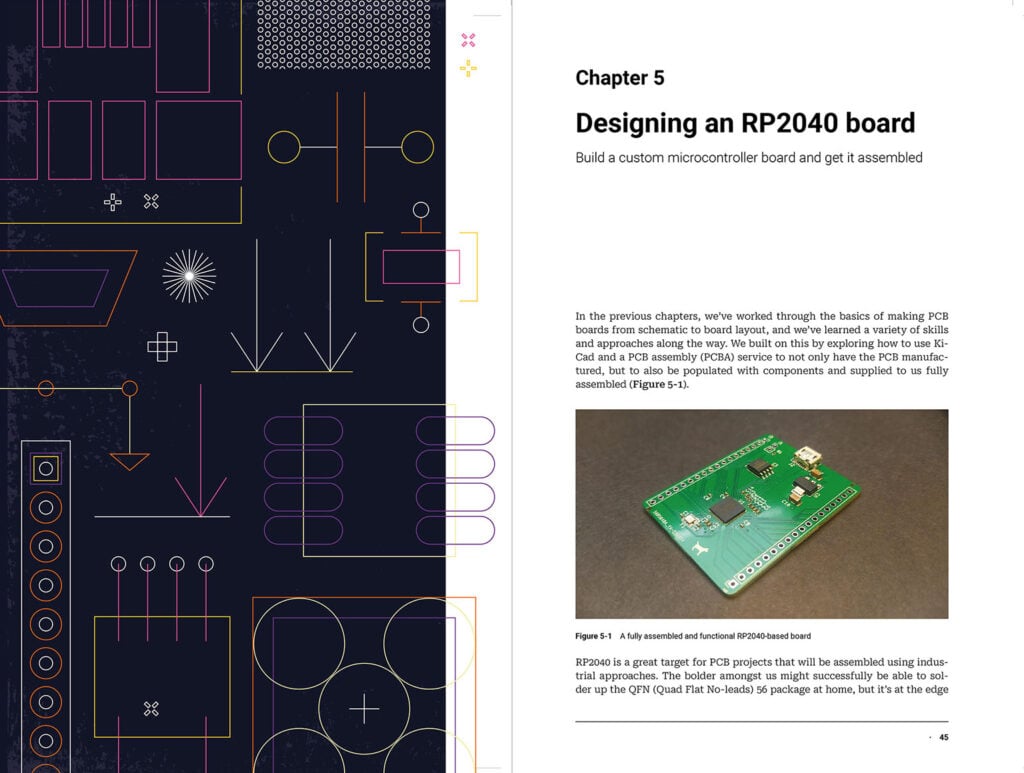
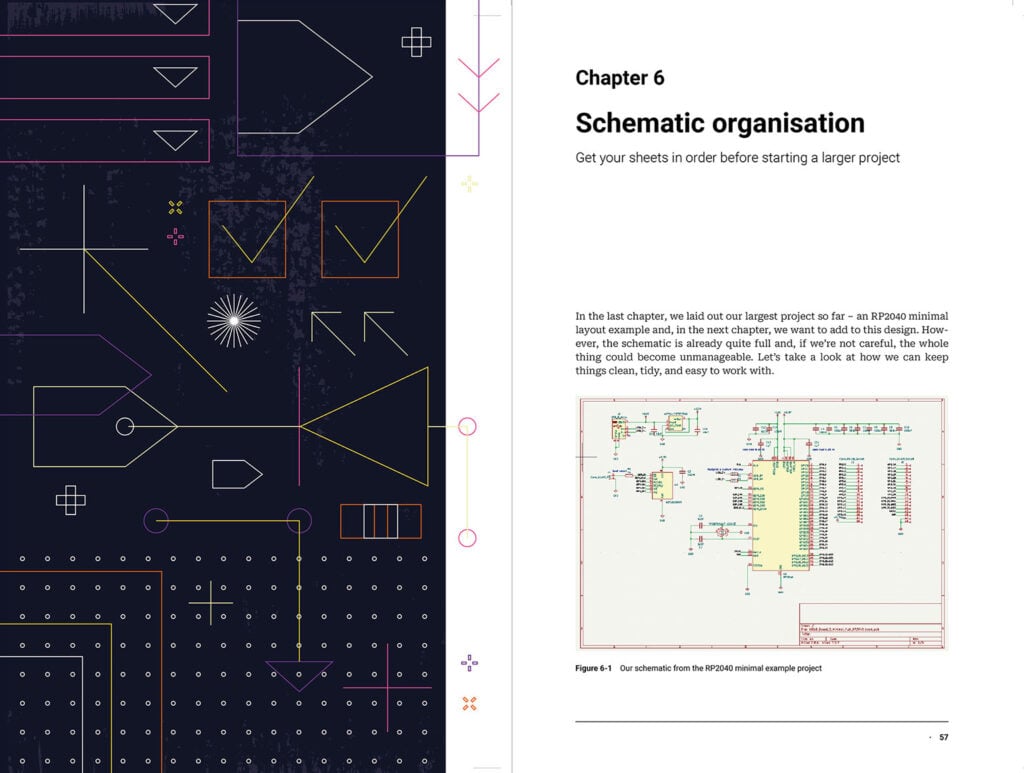
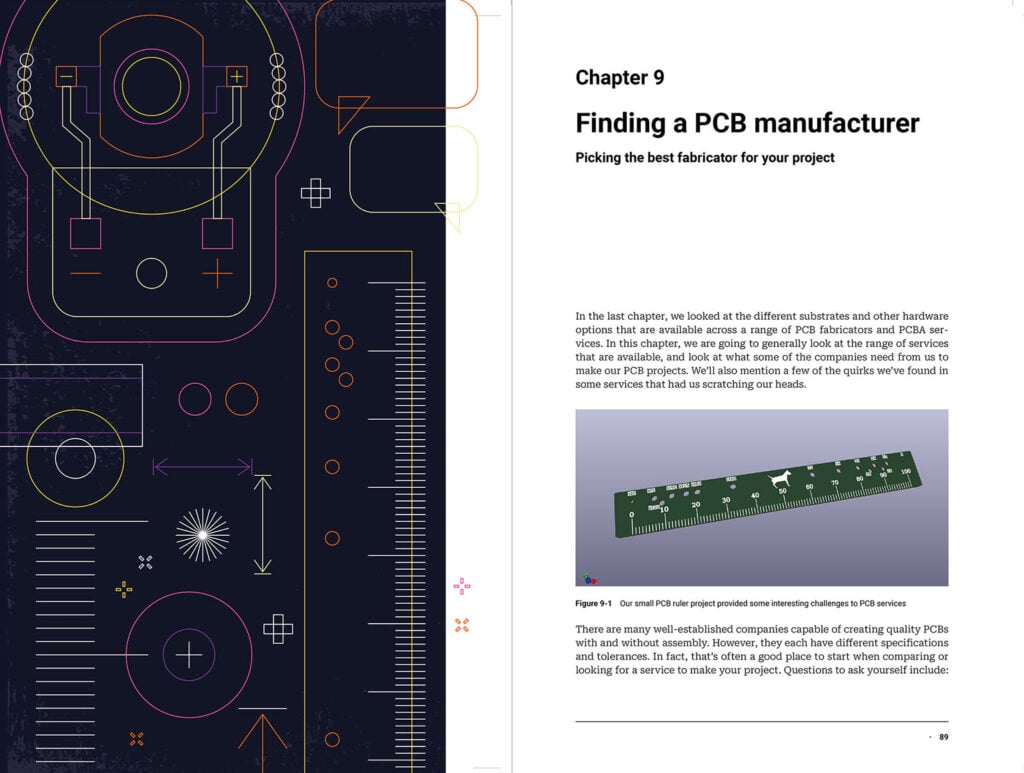
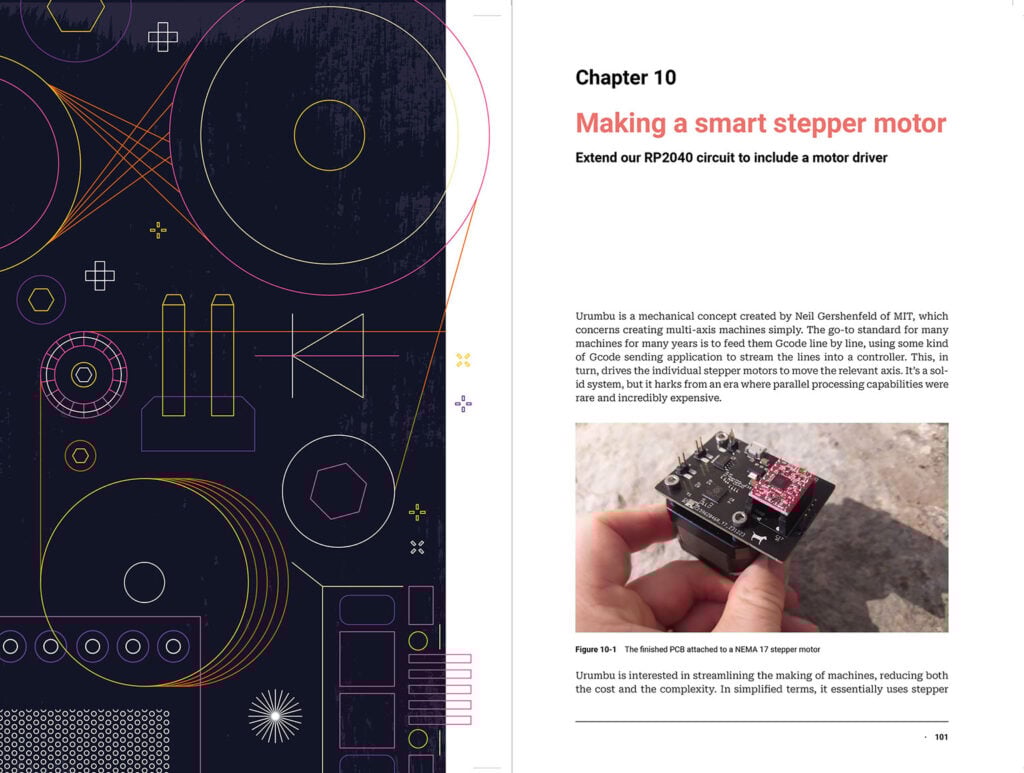
After you use KiCad to design your RP2040 board, this book will show you how to send it off to be manufactured and assembled. You’ll find out about the various materials (or substrates) you can choose for your board, and learn how to pick the right manufacturer. Once you have your board in hand, you’ll also learn what you can do (and make!) with it. Our new book also includes information on designing specialised boards, such as motor drivers and game controllers.
Design an RP2040 board with KiCad is available now from the Raspberry Pi Press store, and will be on sale from various print and electronic bookstores in the coming weeks.
The post New book release: Design an RP2040 board with KiCad appeared first on Raspberry Pi.
from News - Raspberry Pi https://ift.tt/XDYElRK
Labels: IFTTT, News - Raspberry Pi

0 Comments:
Post a Comment
Subscribe to Post Comments [Atom]
<< Home